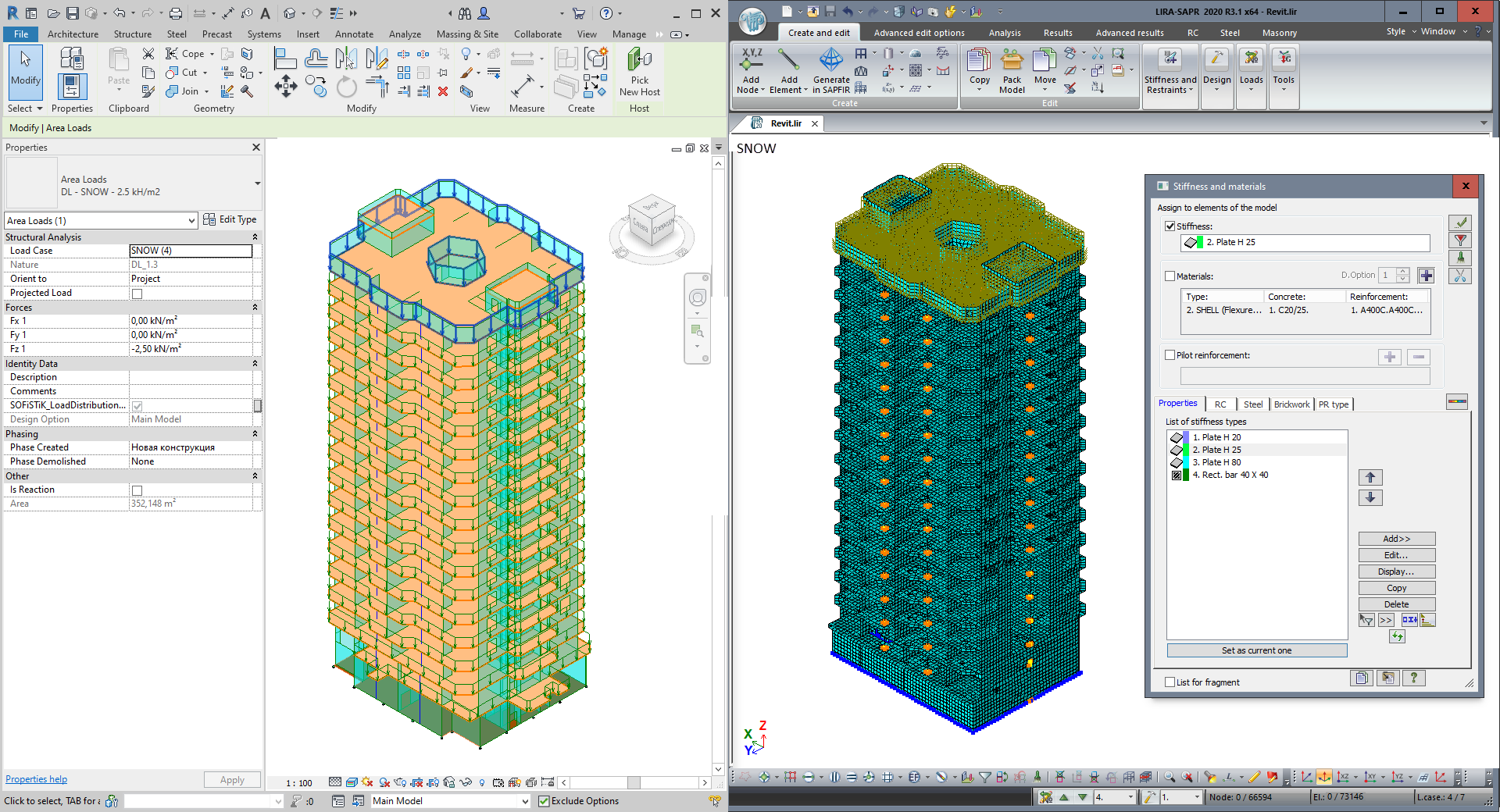
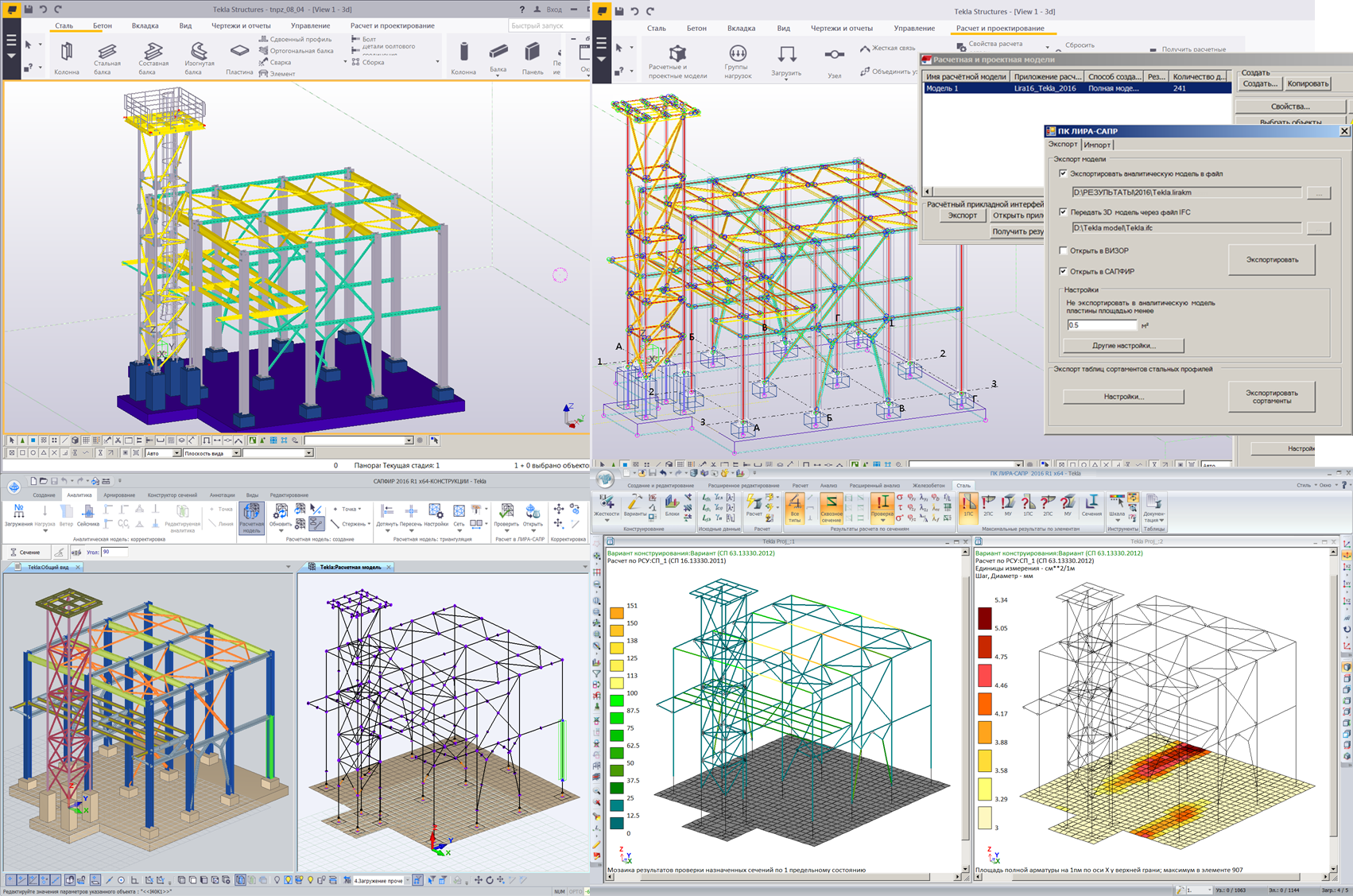
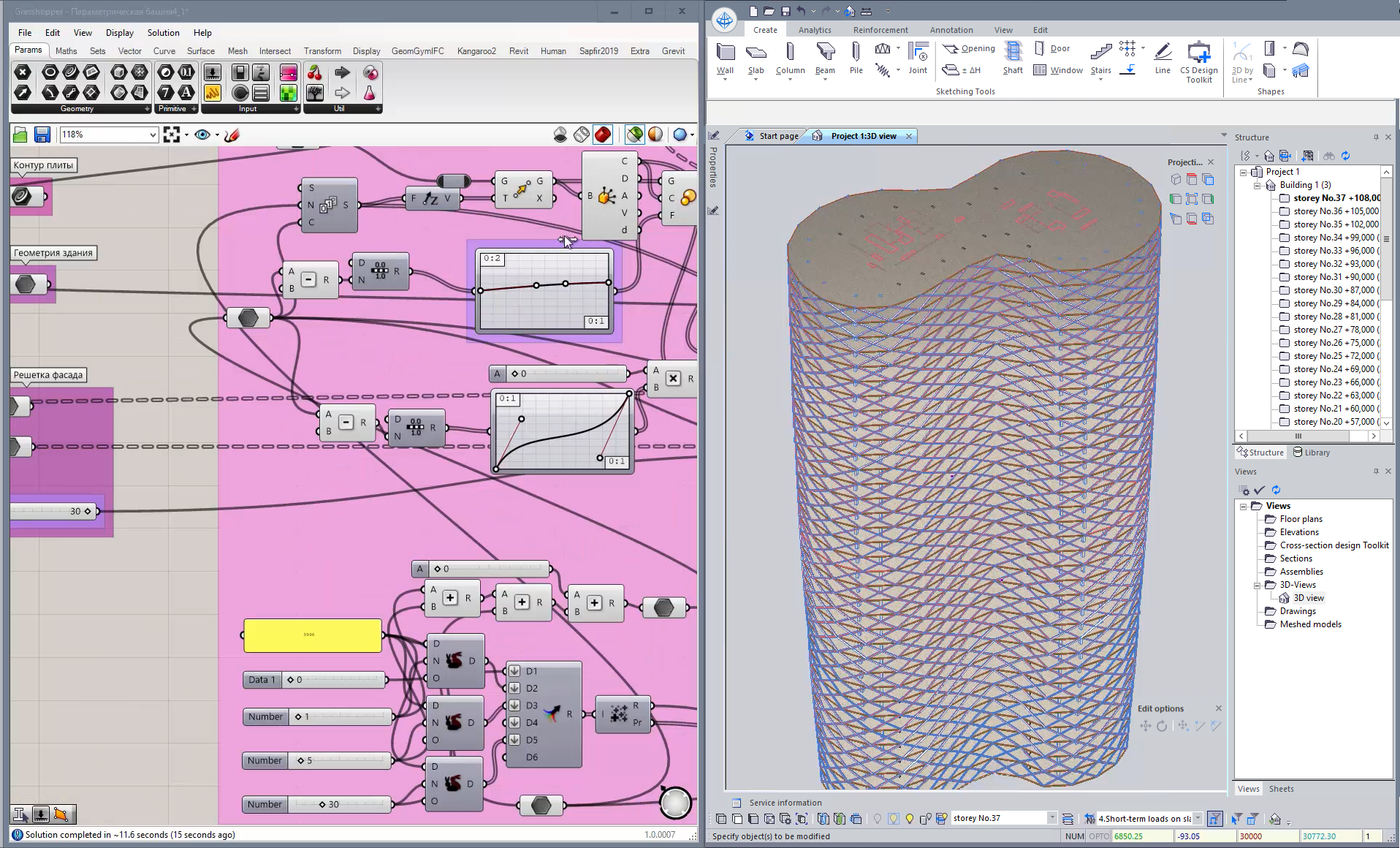
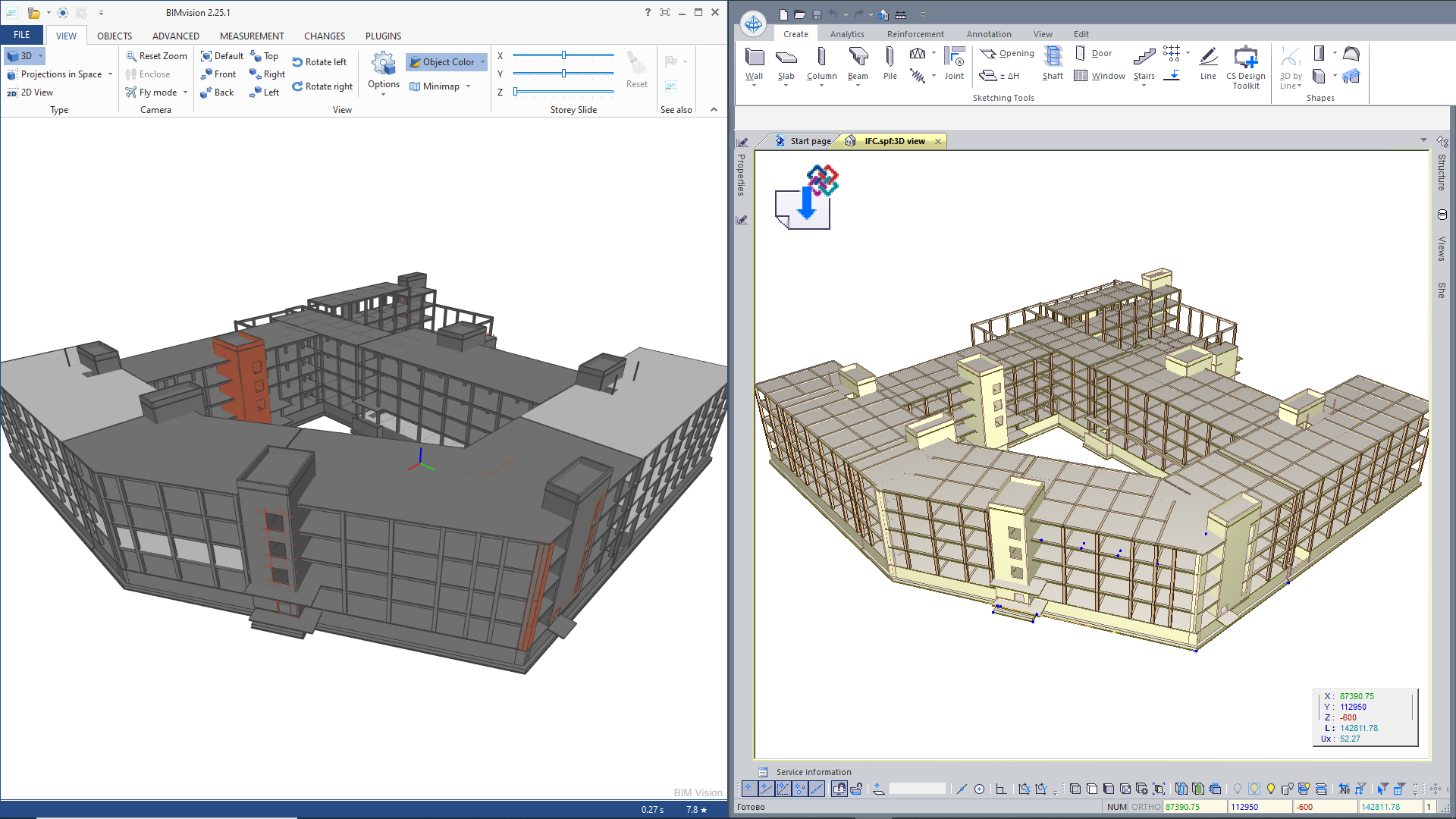
Rhino / Grasshopper and LIRA-CAD may communicate directly through this plugin to generate and manage the BIM model in the Grasshopper visual programming interface. As the integration procedure is associative, it enables the user to generate models of different complexity. When the algorithm in Grasshopper is modified, the model in LIRA-CAD is dynamically modified as well as the meshed model.
Generator with the node for import of IFC model enables you to generate an updatable IFC file. When modifications are made in the source program, it is possible to overwrite the IFC file and then update these IFC files in the LIRA-CAD model.
Import one or several IFC files into one project. Import of files in IFC2x3 and IFC4 format. It is possible to convert some types of objects into others, replace IFC materials with LIRA-CAD materials with design parameters defined for analysis of reinforcement.
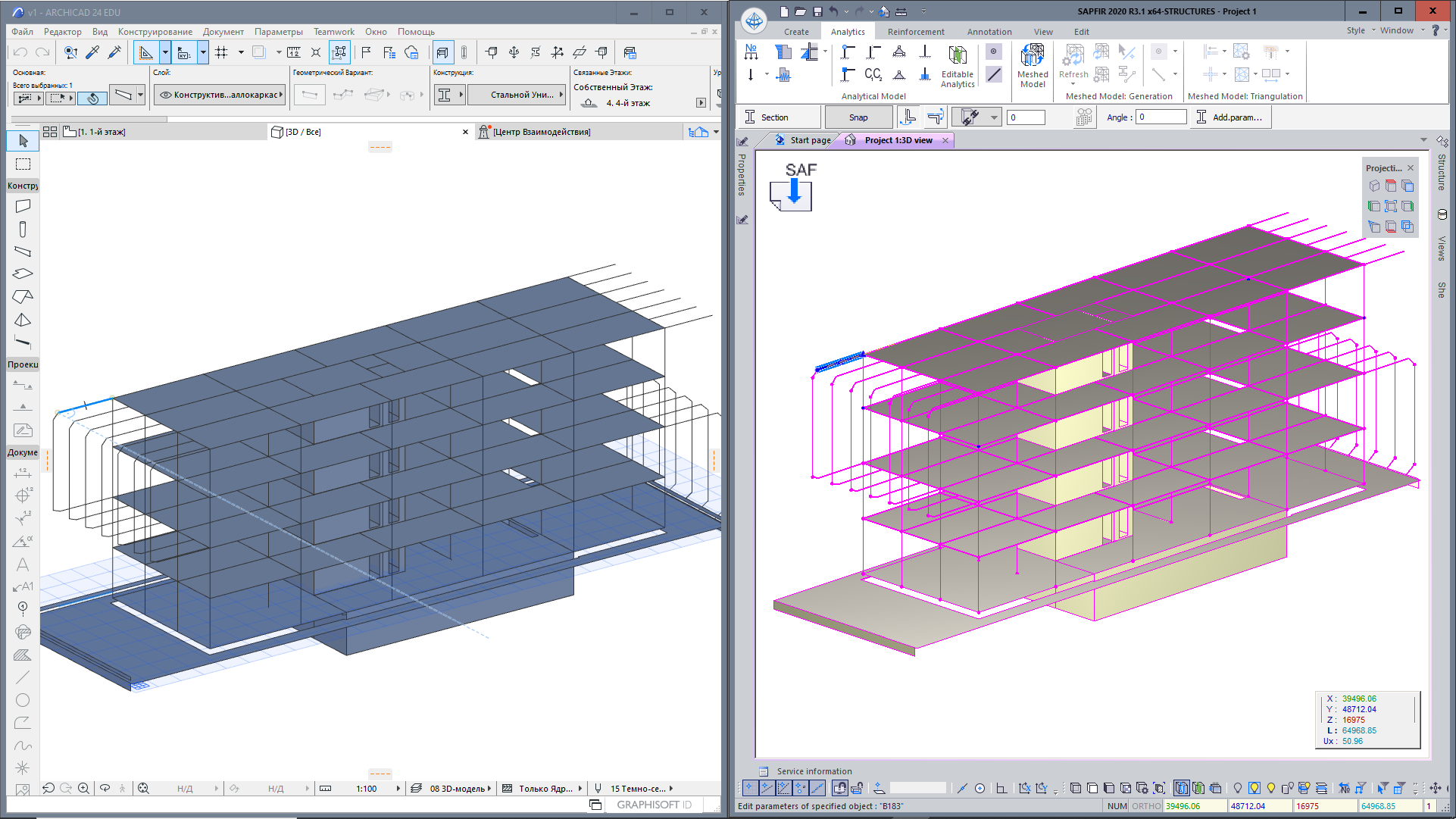
Integration with the ArchiCad and Allplan analytical model via SAF (Structural Analysis Format). Data exchange is carried out via a * .xlsx file, that may be opened in MS Excel, where you could either review it or modify. Model geometry, sections, SAF materials may be transferred via SAF. You can comply the cross-sections and materials in ArchiCAD and LIRA-CAD with the SAF translator.
SAF and IFC files are imported from Archicad to LIRA-CAD. Settings of the analytical model in Archicad. Settings to comply materials and shapes assigned in Archicad to the materials and sections that are used in LIRA-CAD. Eccentricities for beams. In addition to the load-bearing frame transmitted via SAF format, information for loads may be transferred via IFC file to LIRA-CAD (internal partitions, external fences and premises).
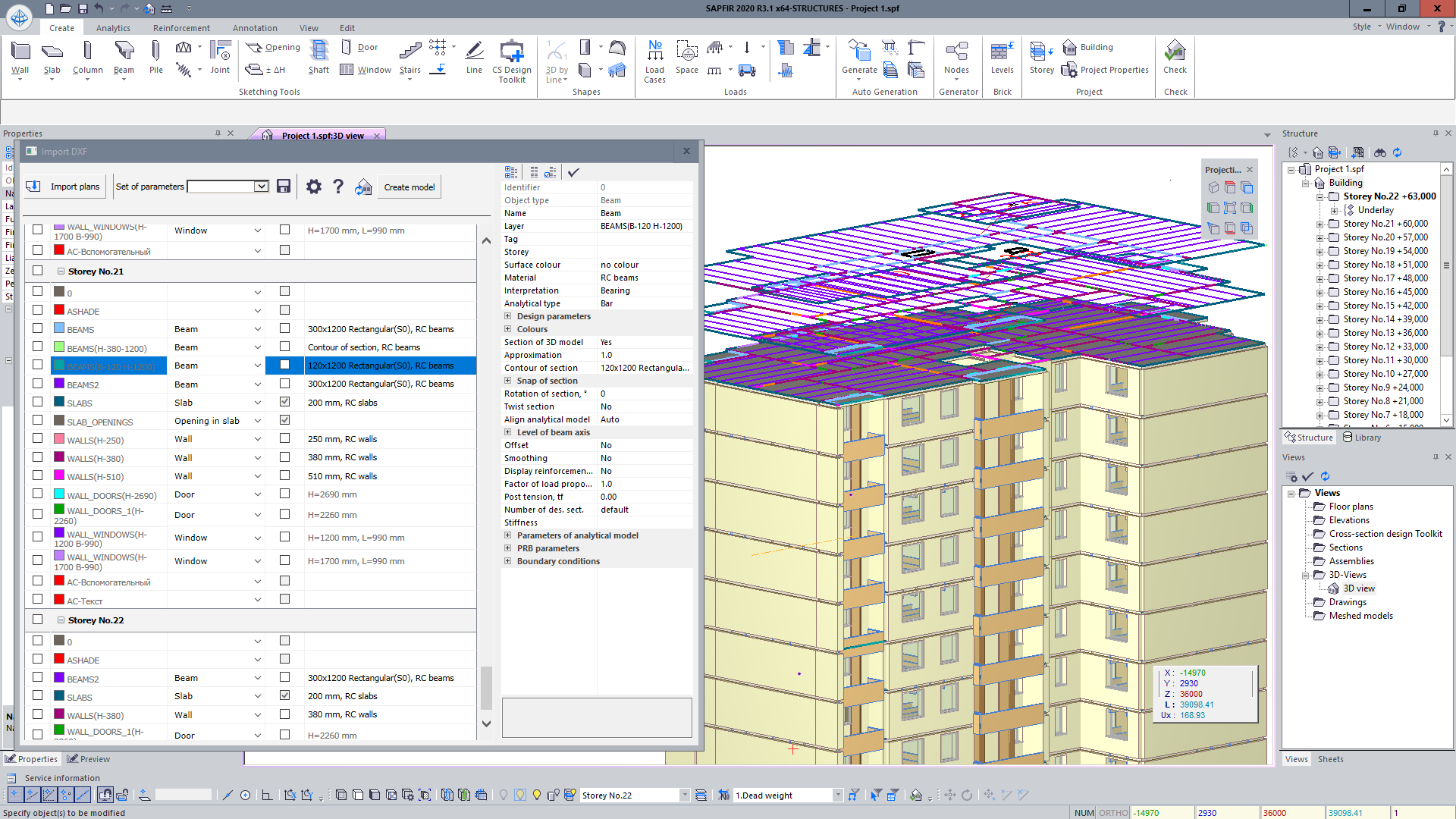
BIM model is generated in Generator according to the DWG drawing; element thicknesses and section dimensions are recognized automatically. When the DWG underlay is modified, the whole model generated on the underlays may be updated dynamically.
Floor plans are imported into LIRA-CAD. Each layer is assigned the type of object that this layer will create in LIRA-CAD. You can obtain sections and thicknesses of elements from the DWG file if the objects were generated along the contour. It is also possible to assign these parameters directly during the import to LIRA-CAD.
DWG file is imported into LIRA-CAD solely for indicating dimensions when the new objects are generated.
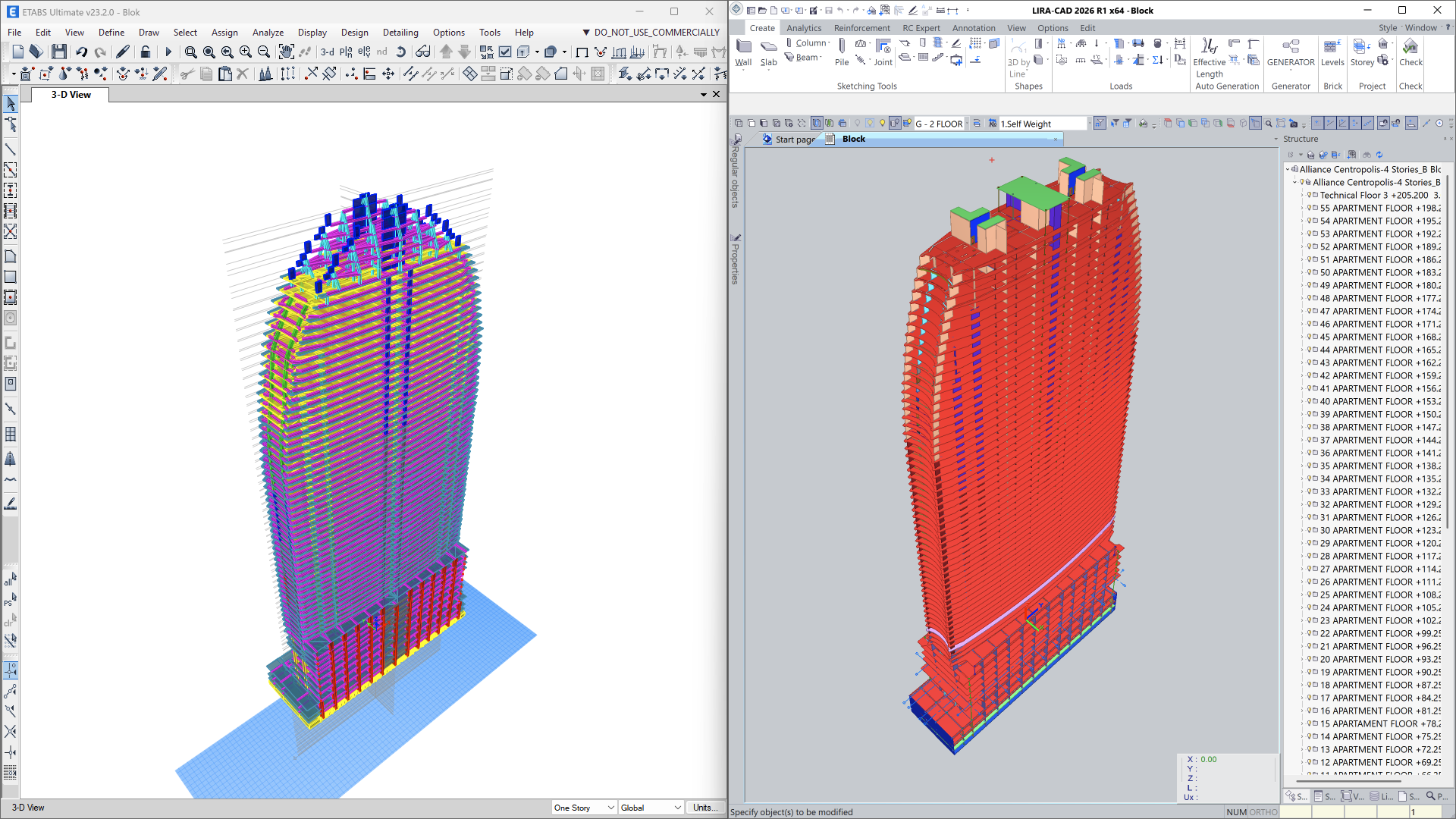
LIRA-CAD supports importing ETABS models in the *.e2k format with two data transfer options:
During import, model geometry, materials, load cases and loads, as well as design parameters of elements, are preserved. This makes it possible to use ETABS models for further analysis, structural modifications, and project preparation in LIRA-FEM without the need to recreate the model.
If you have any doubt, download the Demo version and evaluate the program or contact our Support Team for more details.